Simplify and Manage Your
Purchases
Easily with CapiPlan
Managing purchases in accounting can be confusing and time-consuming. From tracking bills to handling payments, important details can be overlooked. CapiPlan simplifies the entire process, making purchases organized, accurate, and easy to manage. With its all-in-one system, businesses can handle every step of their purchases smoothly and without stress.
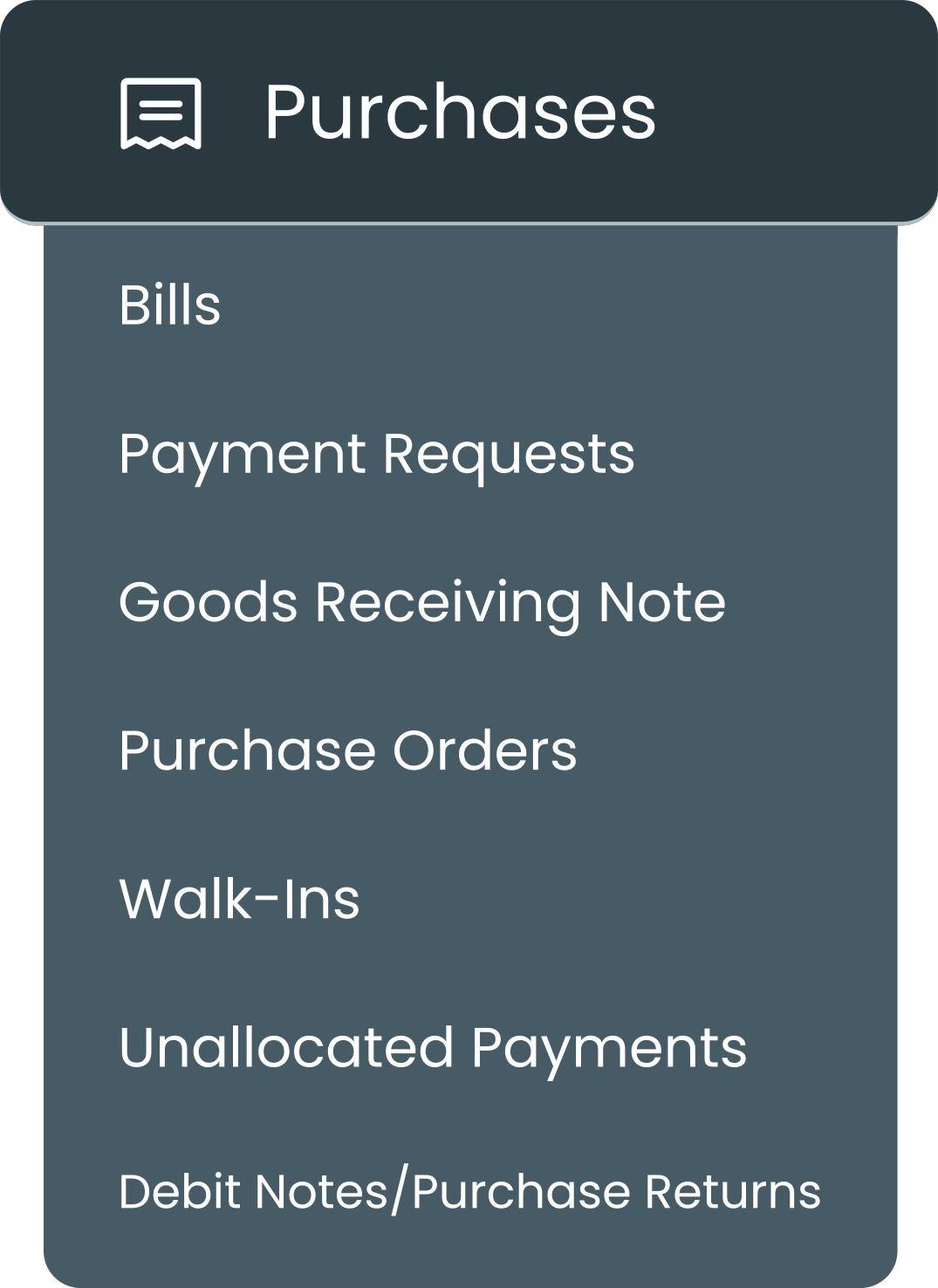
With CapiPlan, businesses can see all their purchase activities in one place. Whether it’s bills, purchase orders, goods received Note, or payments, everything is easy to track. This not only saves time but also helps businesses make smarter financial decisions and maintain smooth operations.
How CapiPlan Helps in Purchases
CapiPlan is designed to make purchases in accounting simple and efficient. It helps businesses:
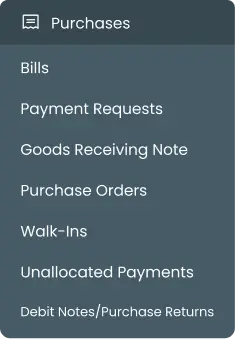
Track all bills from suppliers
Record goods received smoothly
Manage purchase orders efficiently
Handle instant or walk-in purchases
Organize unallocated payments and debit notes
With everything in one place, CapiPlan reduces errors, saves time, and gives businesses full control over spending.
CapiPlan Purchases Module:
Key Features
CapiPlan’s Purchases has six main modules. Each module focuses on a specific part of purchases in accounting.
1. Bills
The Bill Module in CapiPlan helps businesses manage all their supplier bills efficiently in one place. It allows users to create new bills, add supplier and project details, and include product or service information with VAT calculations. The module automatically calculates totals, tracks paid and unpaid amounts, and monitors due dates to prevent late payments. By using the Bills module, companies maintain clear financial records.
2. Goods Receiving Note (GRN)
The GRN (Goods Receiving Note) module records all goods received from suppliers, ensuring that deliveries match the original purchase orders. It helps keep inventory levels accurate and up to date. The module also tracks supplier details and validity dates for each delivery. By doing this, it prevents errors and avoids payments for items that were not received or were delivered incorrectly.
3. Purchase Orders
The Purchase Orders module allows businesses to create and manage orders sent to suppliers before goods are received. It tracks details like supplier name, order date, validity, currency, and amount. Once goods are delivered, purchase orders can be converted into bills for payment. This helps businesses plan purchases, control spending, and keep accurate financial records.
4. Walk-In Supplier
The Walk-In Supplier module records purchases made without prior orders, such as urgent or small transactions. It tracks details like the supplier name, number of purchases, and total purchase amount. This module ensures that all walk-in purchases are documented accurately. By doing so, it helps businesses maintain organized records and manage expenses effectively.
5. Unallocated Payments
The Unallocated Payments module records payments made to suppliers that are not yet linked to a specific bill. It tracks details like supplier name, payment date, bank account, transaction reference, and amount. This ensures all payments are recorded accurately and can be allocated later. It helps businesses avoid confusion, prevent errors, and maintain clear financial records.
6. Debit Notes
The Debit Notes module is used to record reductions in the amount payable to a supplier. This may happen due to damaged goods, incorrect billing, or returned items. Each debit note tracks details like the supplier, date, currency, and amount. Using this module helps businesses maintain accurate accounts, prevent overpayments, and ensure transparency in their purchases.
Why Businesses Need CapiPlan’s Purchases
Managing purchases manually can be risky and time-consuming. Businesses often face problems such as:
Lost bills or purchase orders
Confusion with payments
Errors in recording deliveries
Difficulty adjusting supplier accounts
Centralizing all purchase data in one system
Organizing bills, GRNs, orders, and payments
Reducing errors and saving time
Giving clear reports for decision-making
Making audits easier and faster
With CapiPlan, businesses can stay organized, avoid mistakes, and control expenses efficiently. Every purchase is tracked, payments are clear and simple.
FAQ's
1. Can CapiPlan track unpaid bills?
Yes. The Bills module shows all unpaid, partially paid, and paid bills. You can also check due dates to avoid late payments.
2. Can CapiPlan handle purchase records for audit and reporting?
Yes. CapiPlan keeps all purchase data organized, making it easy to generate reports, review transactions, and prepare records for audits accurately and on time.
3. Can CapiPlan manage walk-in purchases?
Absolutely. The Walk-In Supplier module records all instant purchases, so no expense is missed, even for small purchases.
Take Charge of Your Purchases with CapiPlan Today
CapiPlan makes purchases in accounting simple and accurate. From Purchase Order to Bills, walk-in suppliers, unallocated payments, and debit notes, every step is organized in one system.
Stop wasting time on manual tracking and spreadsheets. With CapiPlan, businesses can focus on growth while keeping finances under control.
With CapiPlan, you gain full visibility into all your purchases. Monitor payments, track deliveries, and manage supplier transactions in real time. This helps you make smarter financial decisions, stay on top of your plans, and keep your business running smoothly without errors

Start using CapiPlan today and simplify your purchases in accounting.